Pay links
Send a link. Get paid before the patient reaches the car park.
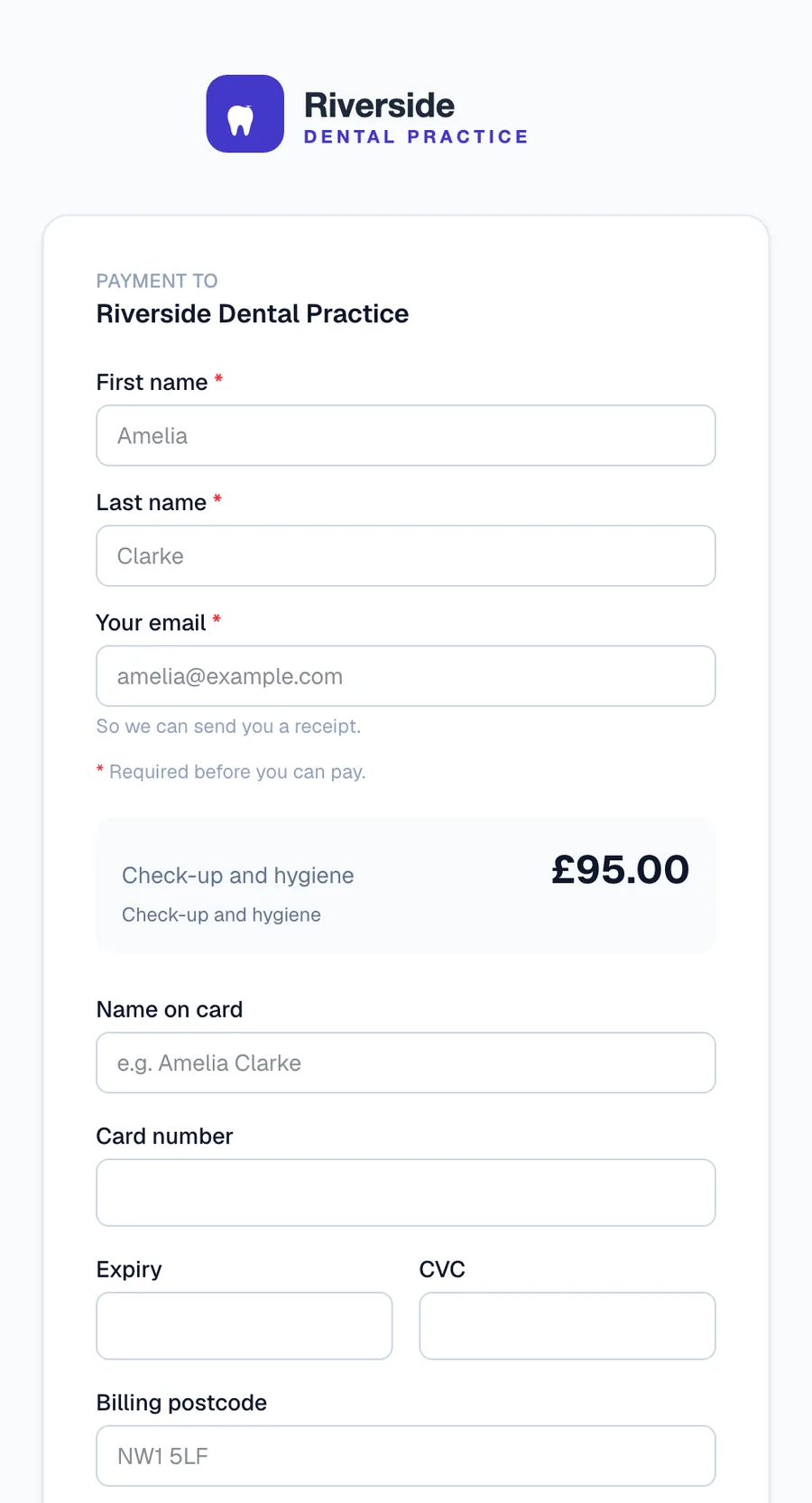
A branded payment page sent by email or text, personalised to the patient by name, paid on their own phone.
What it does
- Sent by email or SMS from the portal, or created in bulk from a CSV
- Your practice's name and branding on the page and the receipt
- Name and reference on every link, so the payment is never a mystery later
- Apple Pay alongside card payment
- See when the patient opens the link, and send polite automatic reminders
- Generic links for a page patients can reach any time; they supply their name and reference before paying
How it works
- Create the link: patient, amount, reference, optional product
- Send it from the portal by email or text
- The patient pays on their phone; you see it arrive, and the receipt goes out by itself
Related: Message templates How to pay Integrations
Already on Medipay? Open Pay links in the portal.
Get your practice on Medipay
Tell us about your practice and we will have you taking payments in days.