Card machines
Card machines that record every payment in the portal
PAX terminals for reception, connected to Medipay so the payment you take on the machine is the payment you see in the portal, the reports and your accounts.
On the desk
- Send a payment to the machine from the portal, or from Salesforce, and it appears on the terminal ready to tap
- Merchant and customer receipts print on the terminal, and the emailed receipt still goes out
- A declined or timed-out payment says why, in the machine's own words
- Pre-authorise now and capture later, for deposits and procedures
In the portal
- Every terminal payment lands in Payments with the patient's name and reference
- Payouts reconciled fee by fee against each terminal payment
- Reporting by staff member, channel and card type
- The practice connector runs on each reception or consulting-room computer and updates itself
How it is set up
- We supply and configure the terminals for your practice
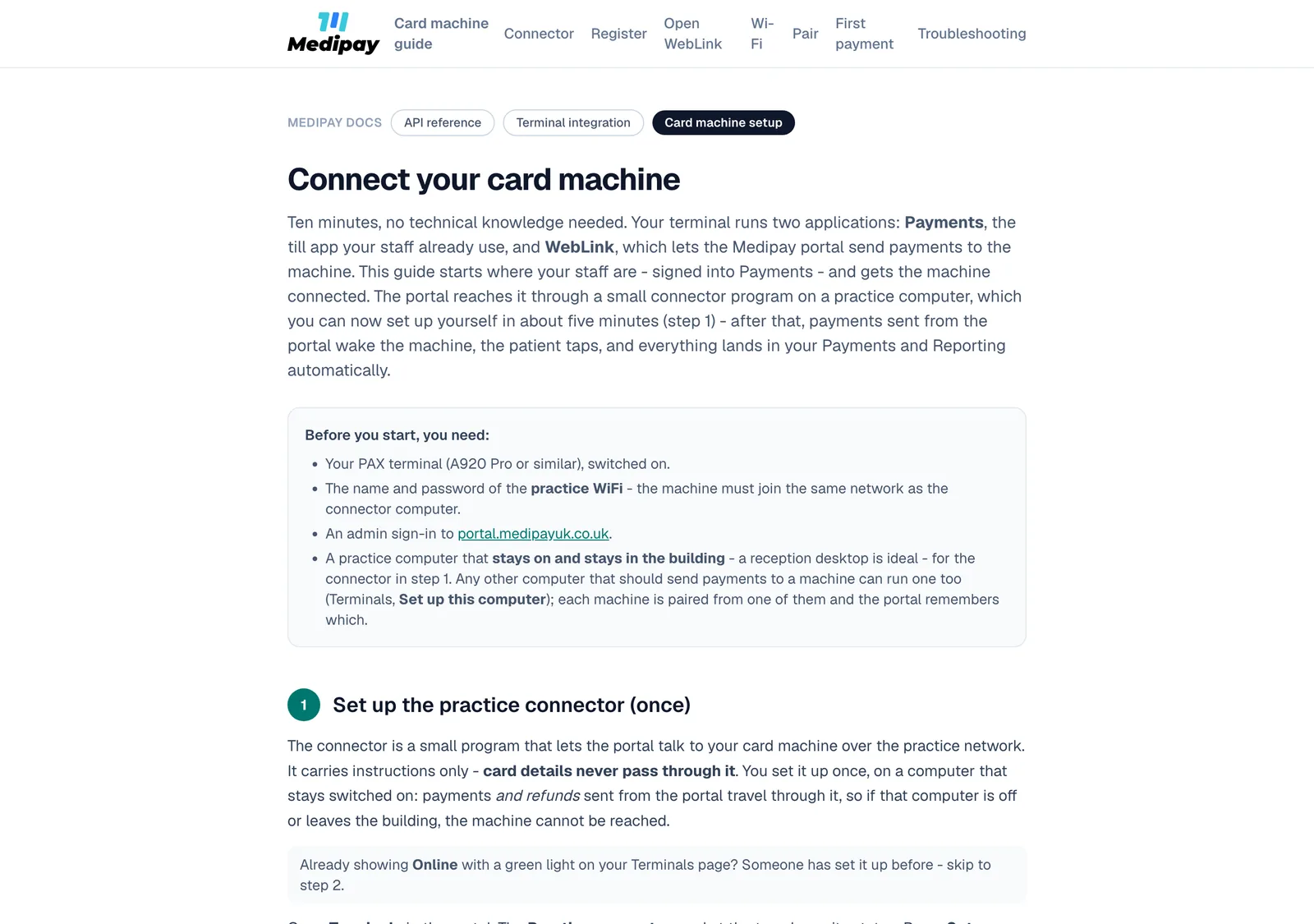
- Set up the connector on the computer that takes payments, from the Terminals page
- Pair each machine from that computer. From then on the portal sends that machine's payments to it
Already on Medipay? Open Terminals in the portal.
Want machines on the desk?
Tell us how many rooms take payments and we will quote and configure them.